
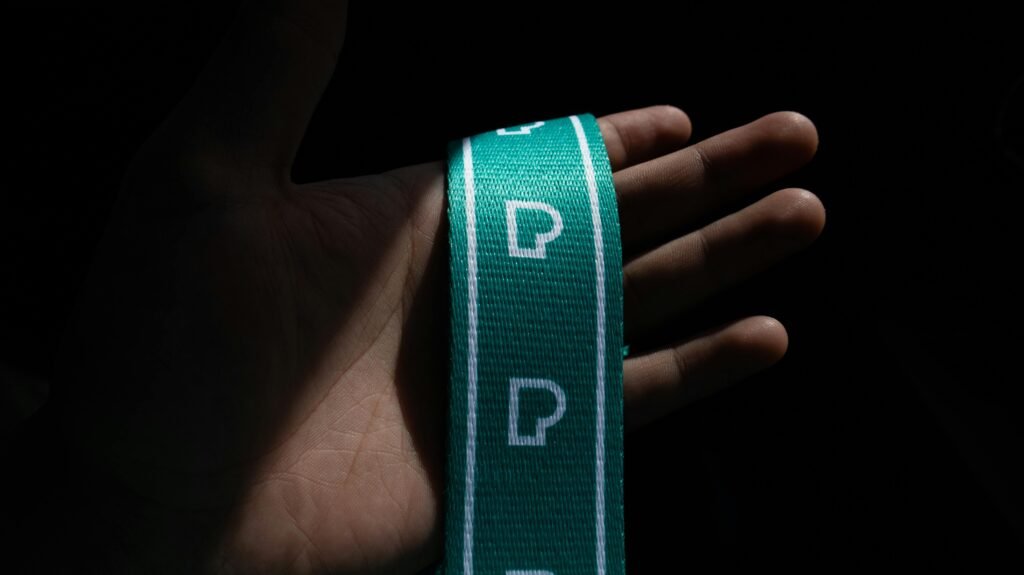
Sublimation lanyards are ideal for creating full-color, durable, and vibrant custom accessories for events, offices, schools, or personal use. Unlike screen printing, sublimation dye penetrates the fabric fibers rather than sitting on top, resulting in long-lasting designs that won’t fade, peel, or crack. Below is a step-by-step guide to making sublimation lanyards, suitable for both small-scale crafts and batch production.
1. Gather Essential Supplies
The success of sublimation relies on compatible materials and proper equipment. Here’s what you’ll need:
- Sublimation Lanyard Blanks: Opt for white or light-colored blanks with a high polyester content (100% polyester is best) as sublimation dye only bonds with polyester fibers. Breakaway lanyards are recommended for easier flat pressing, as they separate at the neck to avoid uneven transfers
- Sublimation Printer & Ink: Use a dedicated sublimation printer (e.g., Brother SP1) with sublimation ink—regular inkjet ink will not work. The printer should support at least 8.5×14-inch paper for standard lanyard sizes .
- Sublimation Paper: Choose high-quality sublimation transfer paper designed for fabric. For batch orders, continuous rolls are more efficient; for small projects, pre-cut sheets work well .
- Heat Press: A flat swing-away heat press is ideal for even pressure and temperature control. Small presses work for individual lanyards, while industrial drum presses suit large-scale production .
- Accessories: Heat-resistant tape (to secure the design), heat-resistant gloves (for safety), blowout paper or Teflon sheets (to prevent ink bleeding), a lint roller (to clean lanyard blanks), and optional repositionable spray adhesive (for extra hold) .
- Design Software & Template: Use tools like Canva, Adobe Photoshop, or Illustrator. Download sublimation lanyard templates (available on Etsy or manufacturer sites) to ensure proper design placement .
2. Prepare the Design
- Customize Your Design: Open your template and add text, logos, images, or gradients. Sublimation supports full-color, intricate designs without losing detail, so feel free to use vibrant colors or photo-quality graphics . Keep in mind the lanyard’s print area—standard dimensions are around 43×2 cm (17×0.8 inches) per side .
- Mirror the Design: Critical for sublimation—flip your design horizontally in the software. This ensures the final print appears correctly on the lanyard, as the image transfers in reverse from the paper .
- Print the Design: Load sublimation paper into your printer (print side up) and print the mirrored design. For best results, use the printer’s “photo” or “high-quality” setting. Trim excess paper around the design to avoid ink transfer on unwanted areas .
3. Prep the Lanyard Blank
First, separate breakaway lanyards at the buckle to create two flat pieces—this allows even pressing on both sides . Use a lint roller to remove dust, lint, or debris from the lanyard surface, as these can cause imperfections in the transfer. For large batches, preshrink the lanyard ribbon by heating it to 260°C (500°F) to smooth the fabric and prevent warping post-sublimation .
4. Sublimation Transfer Process
- Set Up the Heat Press: Preheat the press to 180–200°C (356–392°F)—adjust based on your lanyard material. For polyester blanks, 180°C (356°F) with medium pressure and 50–60 seconds of pressing time is standard . For drum presses, the heat and pressure work simultaneously to transfer the design as the lanyard and paper feed through .
- Secure the Design: Place one lanyard piece flat on the press platen. Align the printed sublimation paper (design side down) with the lanyard’s print area. Use heat-resistant tape to secure the paper to the lanyard—ensure no edges lift, as this can cause ghosting (blurred images) . For double-sided printing, repeat this step for the other lanyard piece after the first side is done.
- Add Protective Layers: Put a piece of blowout paper or Teflon sheet under the lanyard and another on top of the sublimation paper. This catches excess ink and protects the press from stains .
- Peel & Cool: Once the timer ends, use heat-resistant gloves to remove the lanyard. Immediately peel off the sublimation paper—hot peeling ensures vibrant colors. Let the lanyard cool completely before handling.
5. Final Assembly & Quality Check
For breakaway lanyards, reattach the buckle once both sides are cooled and printed. Add accessories like swivel hooks, bulldog clips, key rings, or badge reels based on your needs—common options include lobster clips, J-hooks, or split key rings . Inspect the lanyard for even color, sharp details, and no ink bleeding. If needed, trim the lanyard to the desired length (standard lengths are 36–42 inches) with fabric scissors or a rotary cutter .
Pro Tips for Success
- Test first: Always do a test run with a scrap lanyard to adjust temperature, time, or pressure—material thickness and printer settings can affect results .
- Avoid cotton: Sublimation does not work on cotton—stick to polyester or polyester-blend lanyards for permanent transfers .
- Wash care: To preserve designs, wash lanyards in cold/warm water with mild detergent, avoid bleach, and air-dry (no dryer) .
- Preheat the press platen: For flat presses, heat the platen empty for 3–5 minutes before use to ensure even temperature distribution .
With these steps, you can create professional, custom sublimation lanyards for personal use, events, or branding. The process is efficient for both small crafts and large batches, offering endless design possibilities with long-lasting results.